SCRIPT LISTINGS & SETUP GUIDES

NBA 2K27 Cronus Zen script directory

Watch the input.
Choose your script.

NBA 2K27 / SCRIPT DIRECTORY

Browse the script listings.

5 listings Checked

Published by Ozark, developer of ERA. Listing details summarize the linked sellers’ product pages.

NBA 2K27 script listings and displayed USD prices
Script / creatorListed USD price
yew2Kyew.gg · yew2K lists recorded setups and Button Rhythm, which starts a rhythm shot from the shoot button.
$64.99Listing price
yew2K+yew.gg · The 2K+ offer adds profiles, recorded shot timing and future NBA 2K access to its package.
$99.99Listing price
DynastyFeatureZens · FeatureZens lists Dynasty as a one-time purchase with dashboard delivery, setup guides and updates.
$64.99Listing price
NetsScarZens · ScarZens describes Nets settings on the Zen screen, with Discord redemption and a browser loader.
$49.99Listing price

Public listing prices read October 30, 2026, before discount codes, tax or hardware. Packages have different extras and access terms. Follow each listing for current details.

BEFORE YOU CHOOSE

Three questions. A clearer choice.

Start with how you want to play, then check the setup and access.

Which shooting input do I want?

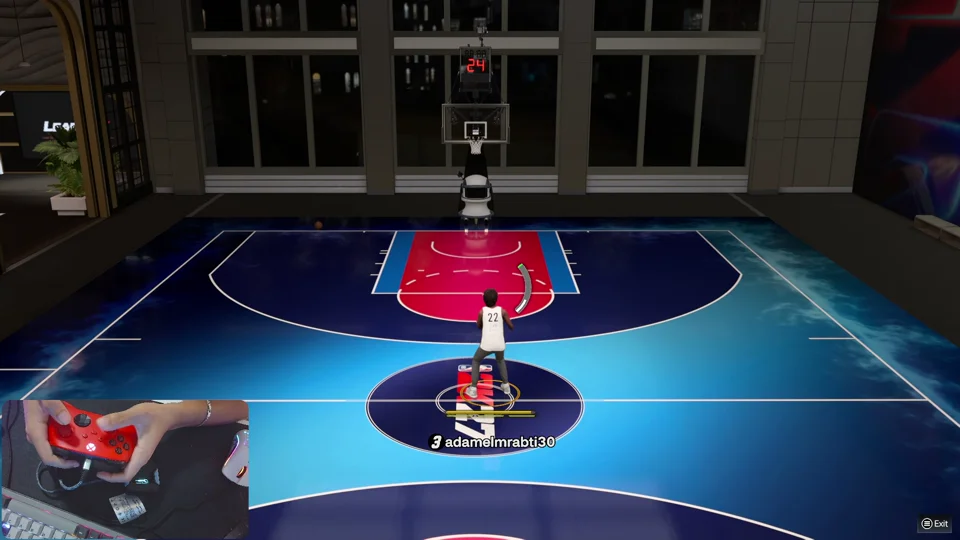
Button Shooting runs the saved shot-button hold and release. AutoGreen runs a right-stick sequence from one click. Tempo Shooting starts the upward sweep when you release. Watch the matching controller demo before choosing.

Will it fit my hardware and routine?

You need a Cronus Zen; the script does not include the device. Check your platform and controller against Ozark’s compatibility requirements. For cables, detection or platform setup, use Zen Guide’s hardware setup path.

What happens after I buy ERA?

Your customer key and My Ozark activation link arrive by email. Configure supported settings and install the licensed build with Zen Flasher. ERA is a one-time purchase with one Zen per key. Check the current price and access details at Ozark, or preview the installation steps.

Find your answer.

Original ERA gameplay & guides
SET UP & PLAY
TIMING CHECK

Greens offline. Misses online?

Compare the shot conditions and feedback before changing values.

Diagnostic guide
SET UP & PLAY
PROFILE & SLOT

Did your settings reach the Zen?

Trace a change from My Ozark to the active device slot.

Step by step
START WITH THE CLIPS

Three modes. See the difference.

Compare the controller inputs before choosing how you shoot.

3 demos
BUTTON SHOOTING

Press Square / X. ERA releases.

Watch the actual shot-button hold and release, then see the settings.

Watch + learn
AUTOGREEN / ONETAP

Your rhythm sequence. One click.

See what happens after the assigned stick-click.

Watch + learn
TEMPO SHOOTING

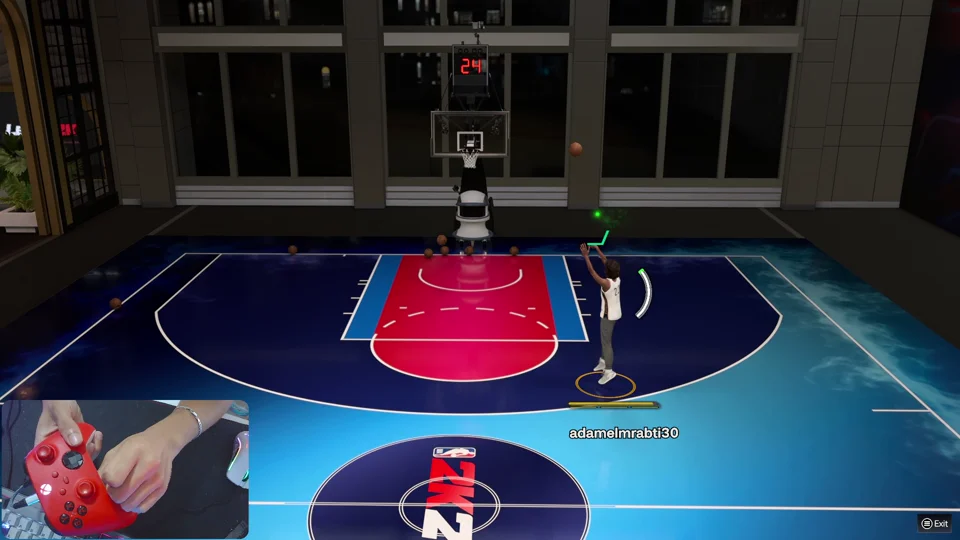
You choose when to let go.

Learn how your release starts the upward rhythm sweep.

Watch + learn
SET UP & PLAY
FIRST SETUP

From your key to your first shot.

Activate, choose a mode and confirm the installed Zen slot.

Step by step
SET UP & PLAY
TROUBLESHOOTING

Find the step that needs a fix.

Access, connection, controls and timing checks in one place.

10 common issues
THE BUYING DESK
ONE-CLICK AUTOGREEN

One click. One shot. Ozark ERA.

AutoGreen / OneTap, personal shooting settings and the GOAT Builds Generator coming soon.

ERA AutoGreen
THE BUYING DESK
ERA VS YEW2K, DYNASTY & NETS

ERA vs yew2K, Dynasty and Nets.

Compare the listed prices, shooting controls and setup.

Compare
THE BUYING DESK
BUYING CHECKLIST

Know what to check before paying.

Hardware, editable settings, support and access terms.

A quick checklist

YOU DON’T HAVE TO FIGURE IT OUT ALONE

Bring your setup. Get help from Ozark.

Share your platform, ERA build and the step you’re stuck on. Keep your customer key private.